





Today we are going to discuss how to create an umbraco heartcore project.
how to get data from umbraco heartcore? How to create an umbraco headless project with nextjs?
You can see the video too : Getting Heartcore with Next.js – Umbraco Codegarden 2021
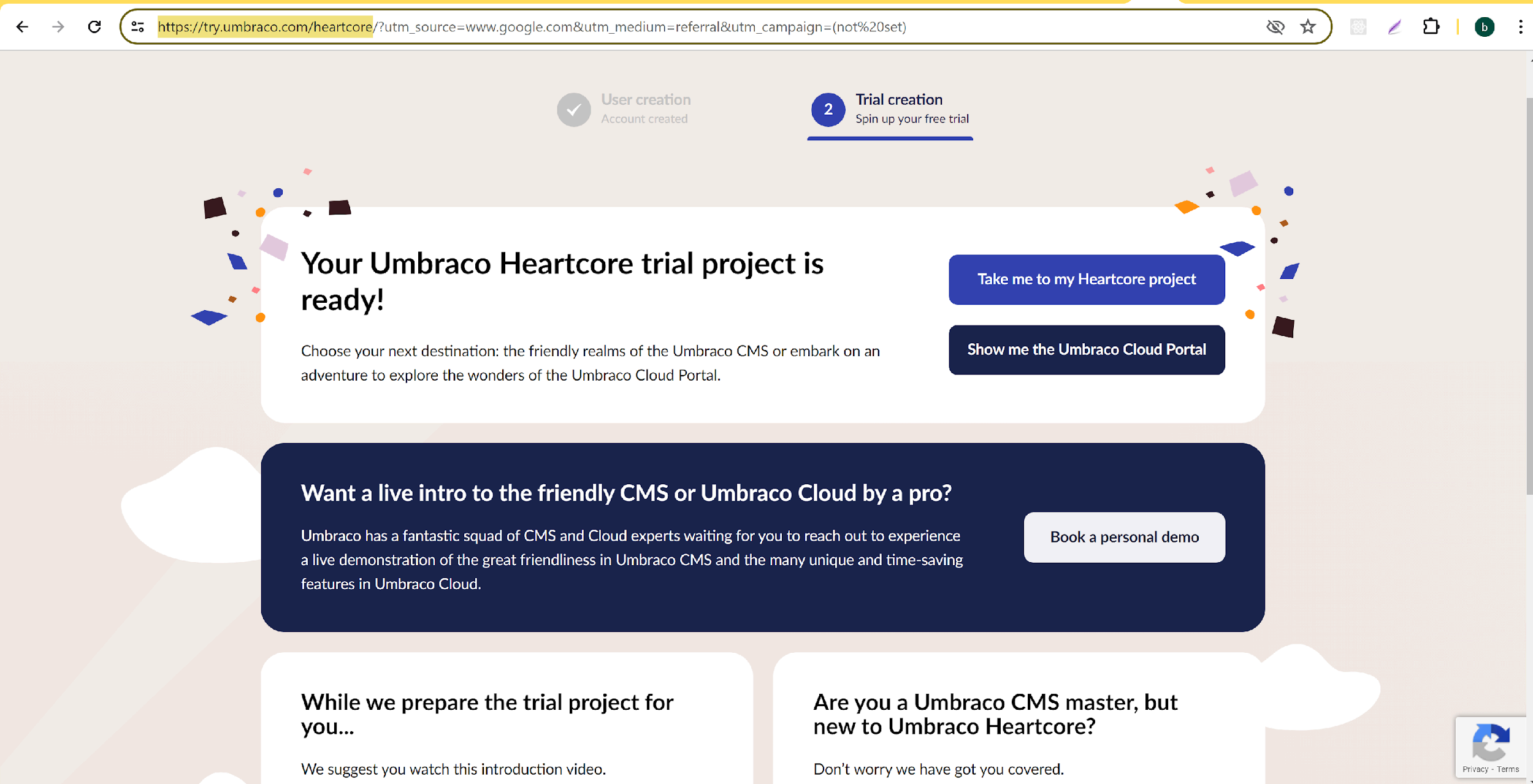
Umbraco Heartcore is a paid and managed product, but you can take a free 14-day trial if you're interested to test it out before you buy it. You can get started here : https://try.umbraco.com/heartcore
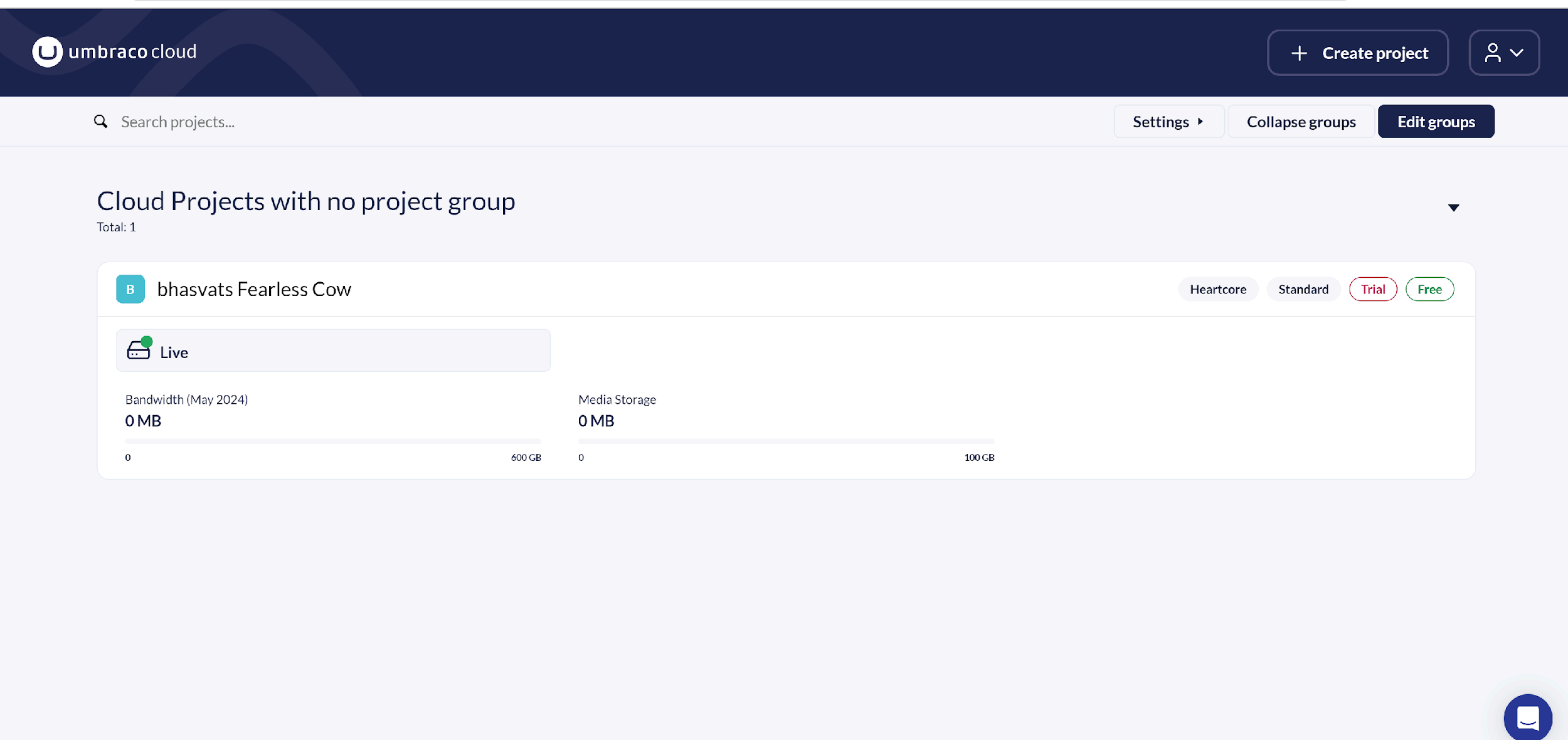
Here you can see the default project available. You can use this or create new project by click on Create project button.
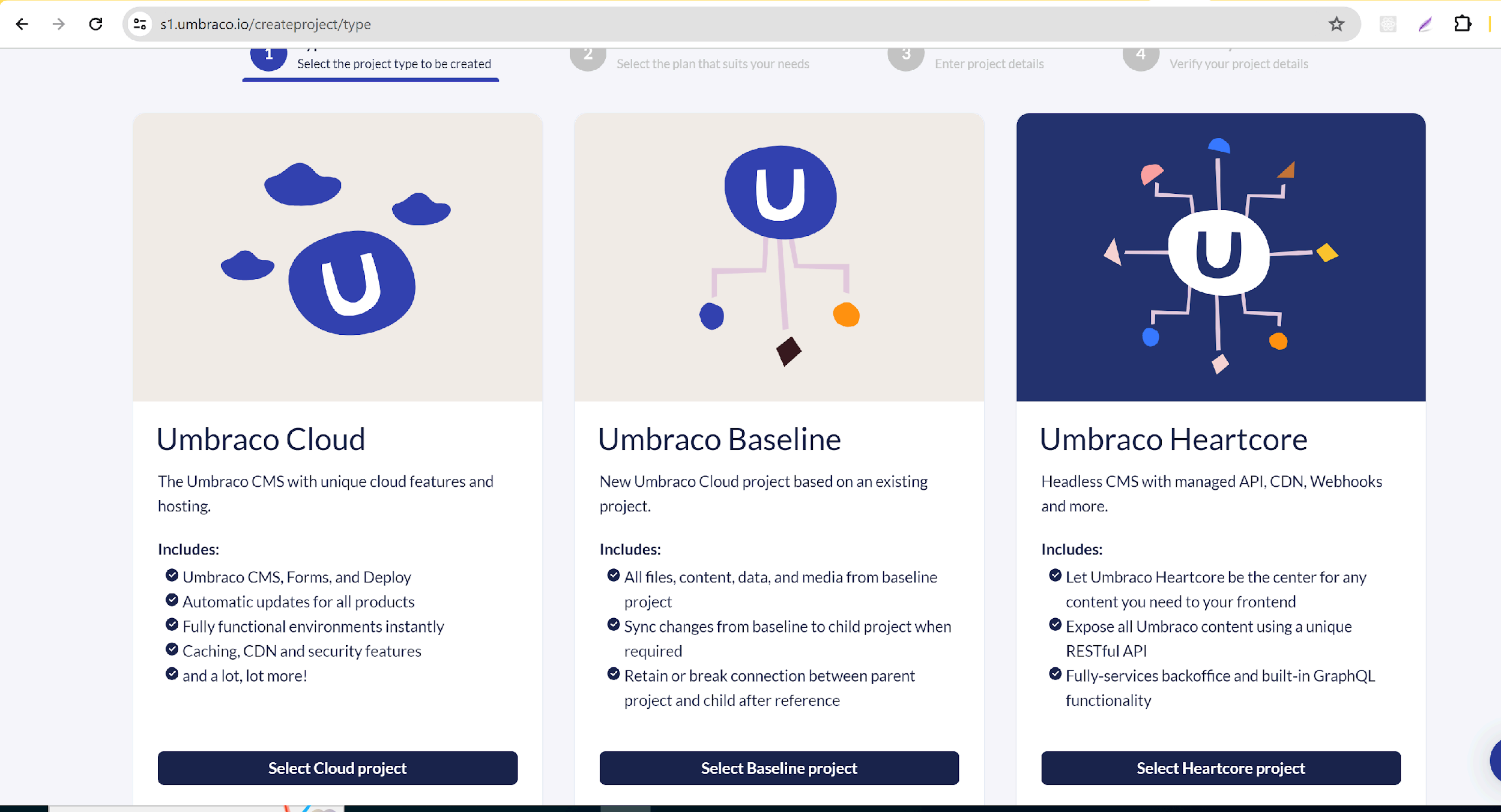
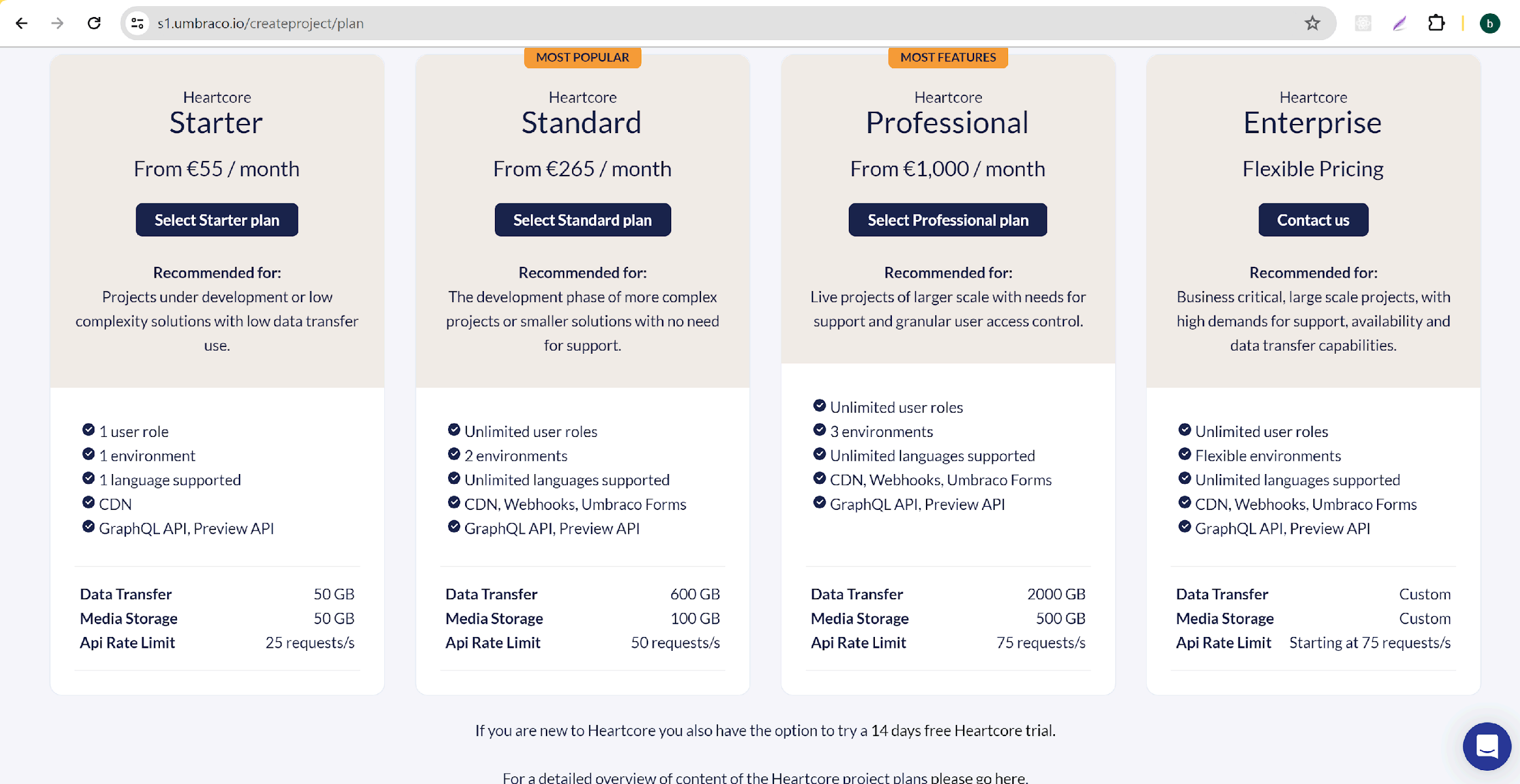
In the below screen select Umbraco Heartcore. After the selection you can see the next screen with pricing, ignore the pricing cards and go to the bottom click on 14 days free heartcore trial link.
Now press the create project button. It will take a few minutes and create the project.
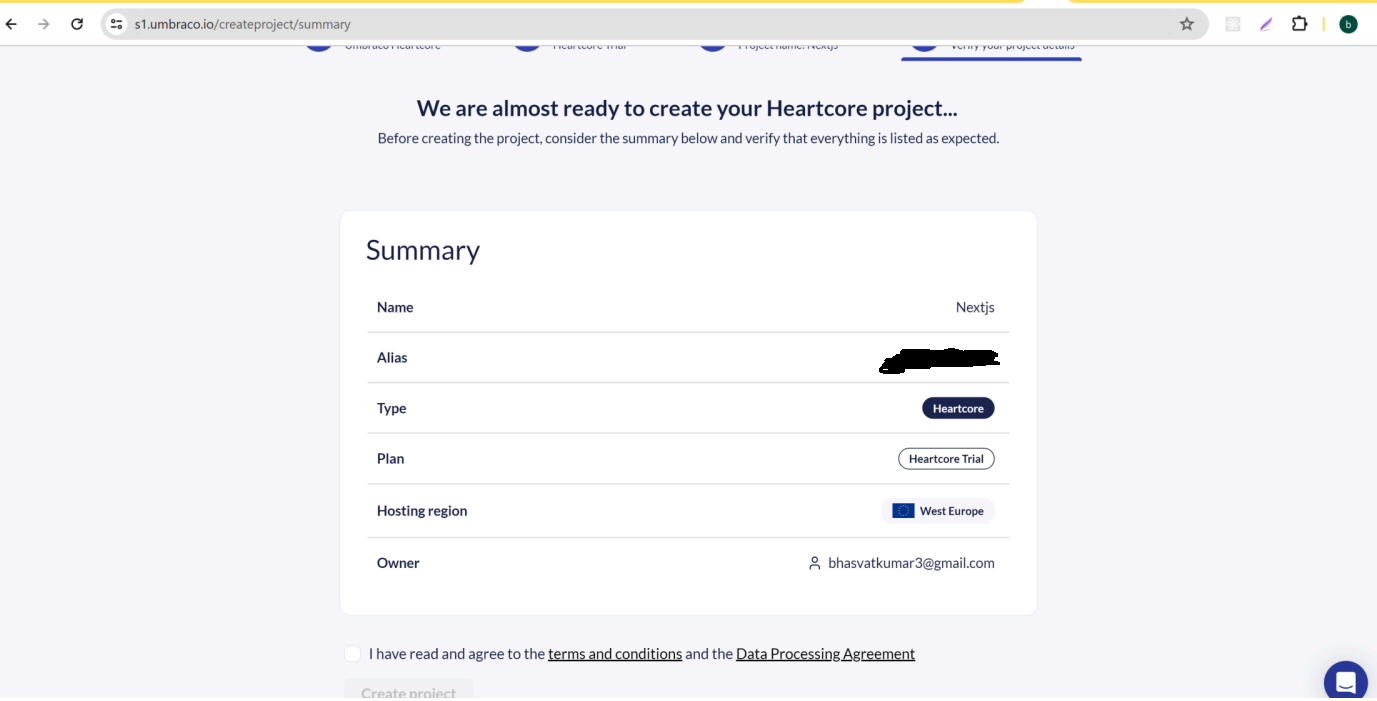 You can see your newly created project on the project listing page.
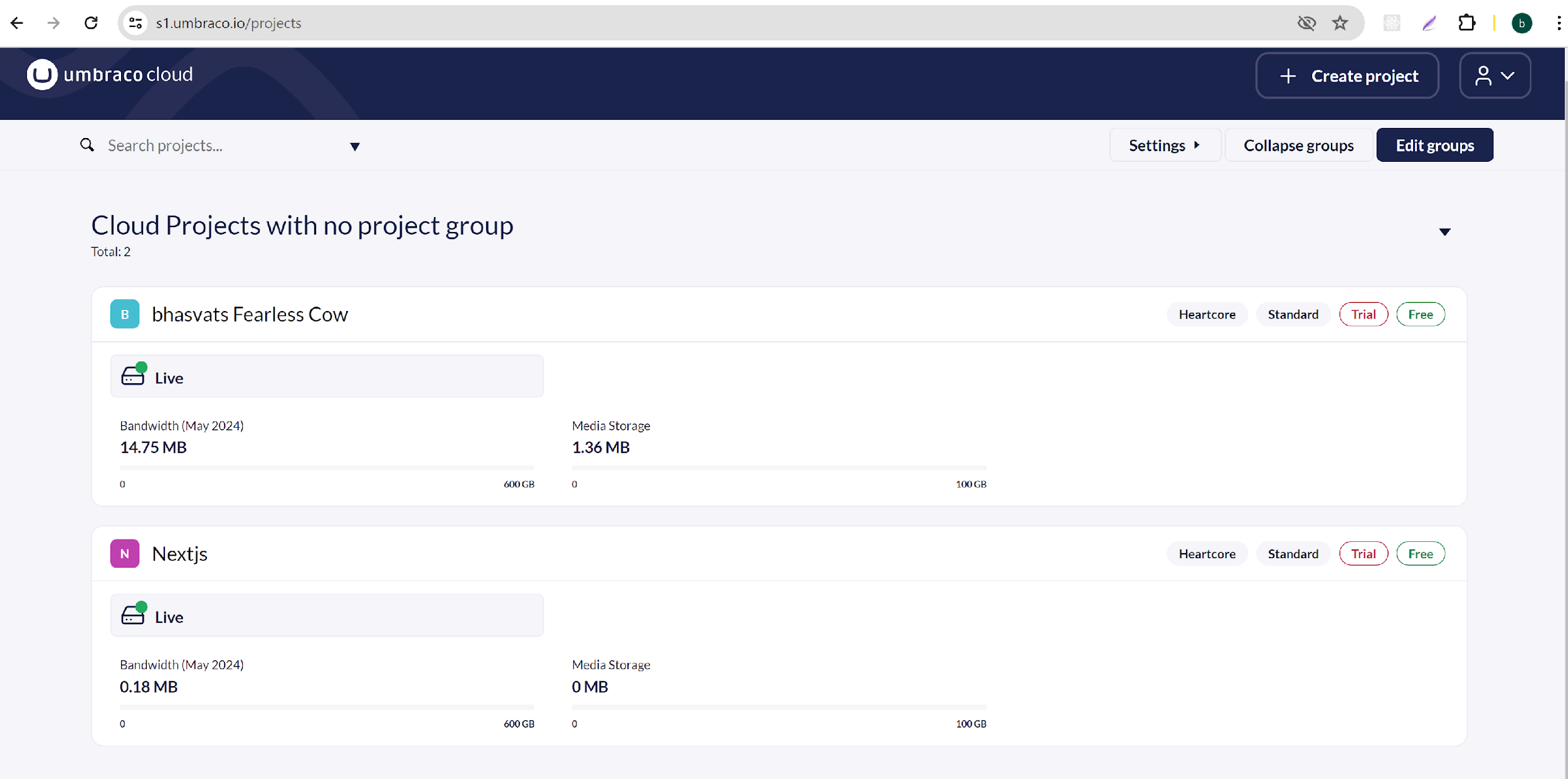
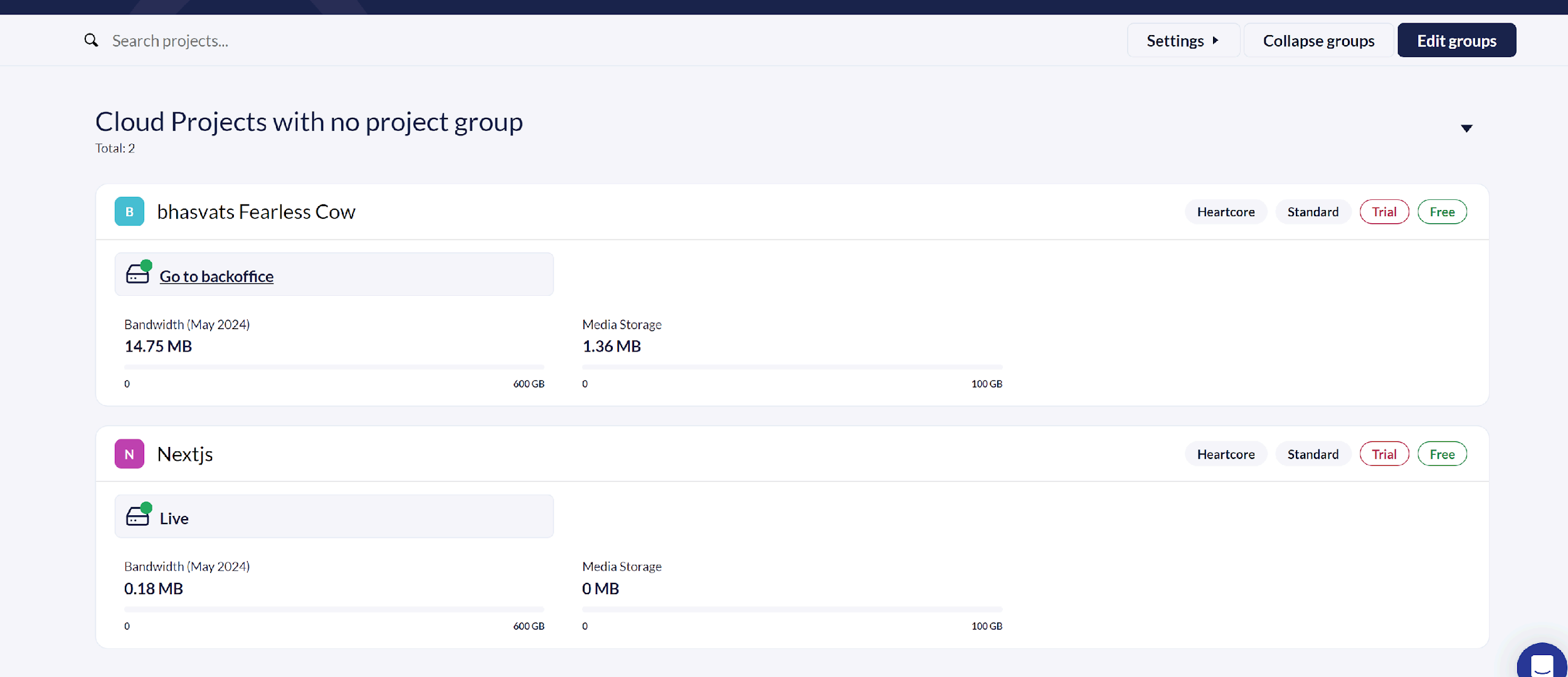
By clicking on Go to backoffice you can access the umbraco admin dashboard.
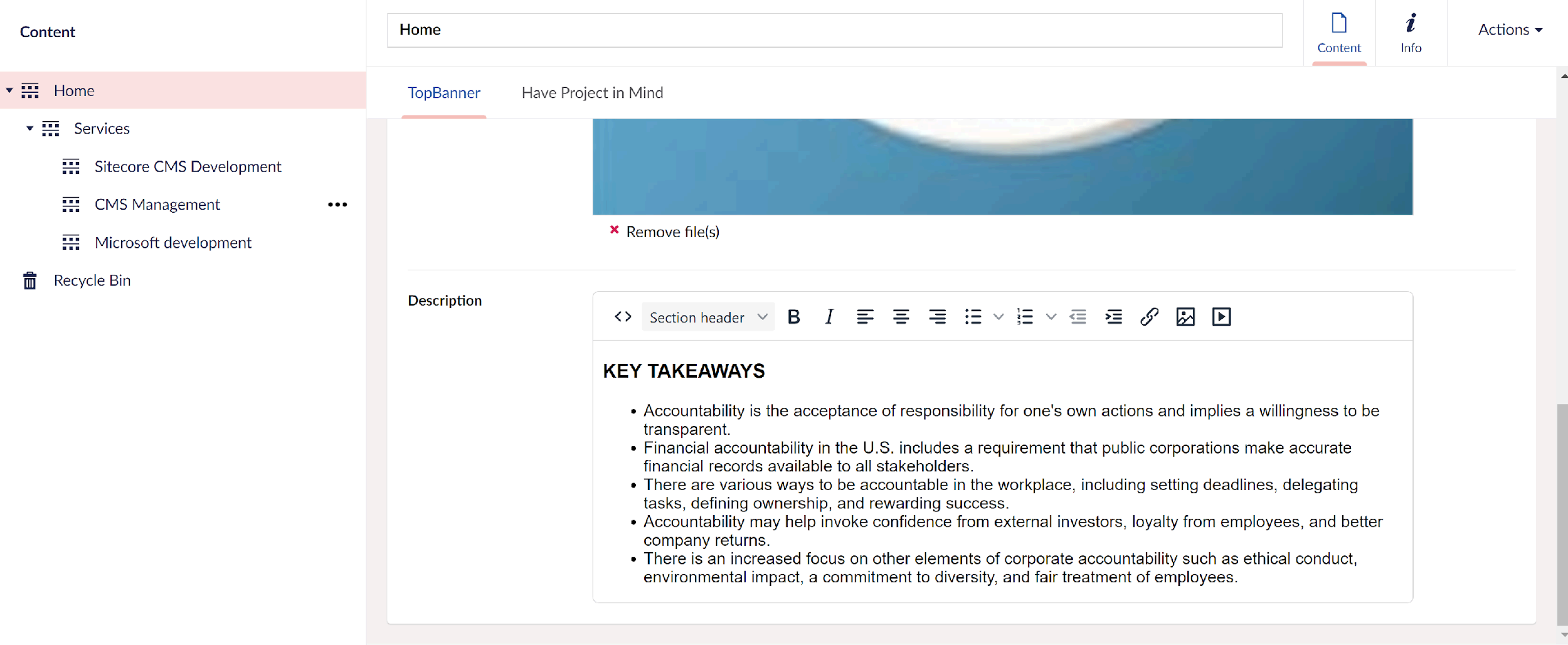
I have created a few document types and created content in the content tab. It looks below.
For seeing multiple page and navigation I have created bleow tree you can use your own structure.
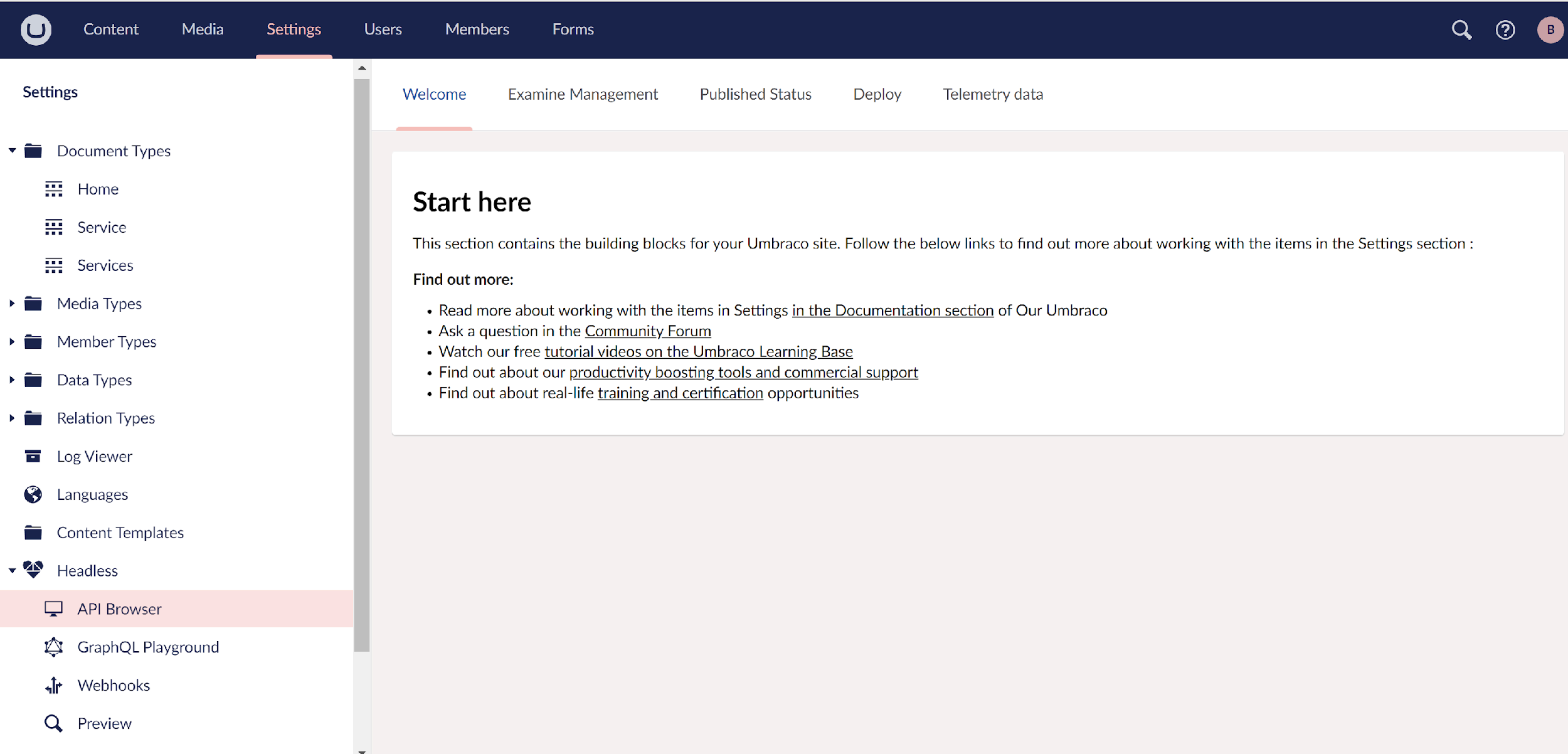
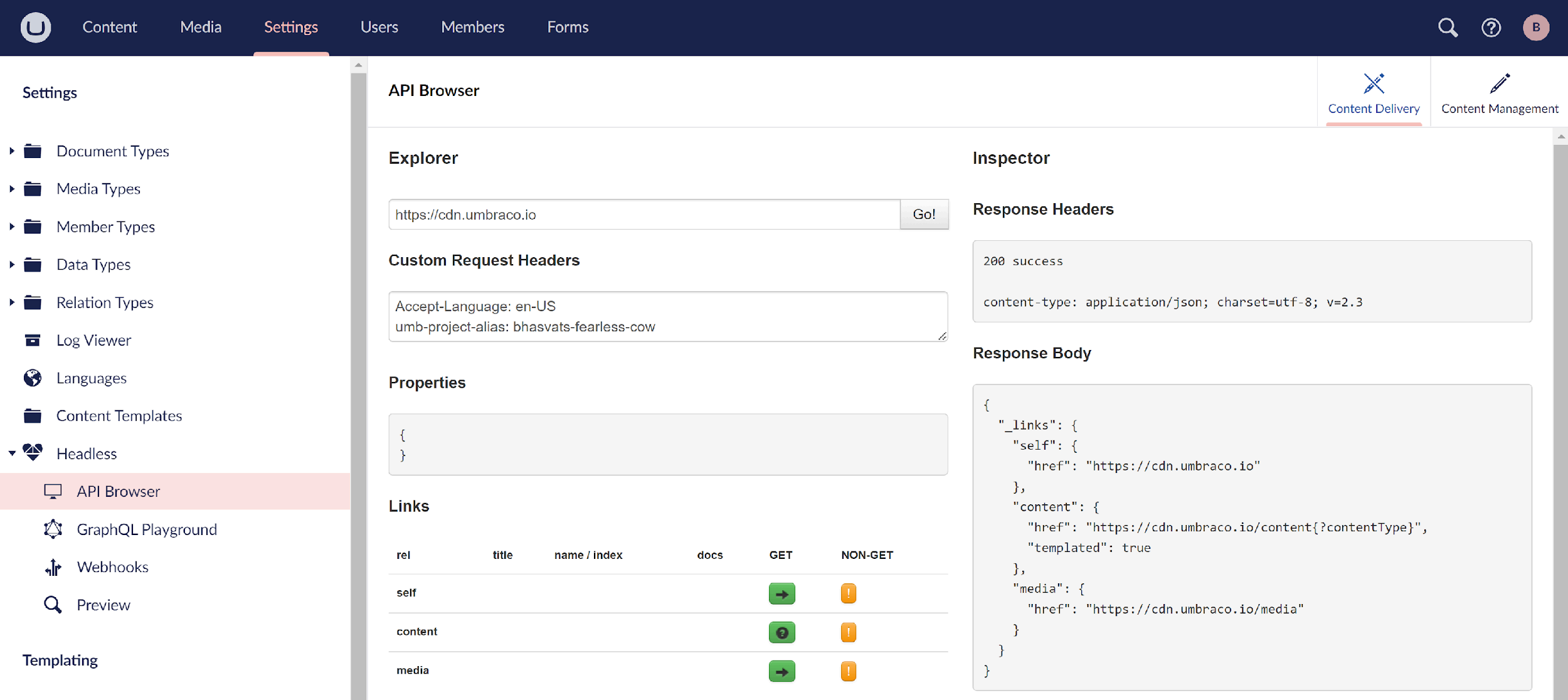
Now go to the settings tab in the left hand side menu you can find the headless menu and open it. Here you can test content delivery api. Here umbraco heart core documentation.
https://docs.umbraco.com/umbraco-heartcore/api-documentation/content-delivery/content
Now it's time to create nextjs application.
Write this command in the power shell and create the next app.
npx create-next-app
Now install @umbraco/headless-client npm package in your project.
npm i @umbraco/headless-client
Now navigate to the src. In the create on lib folder and create on ts file with name umbraco-client.ts
And place the below code.
import from "@umbraco/headless-client";
const client = new Client();
export default client;
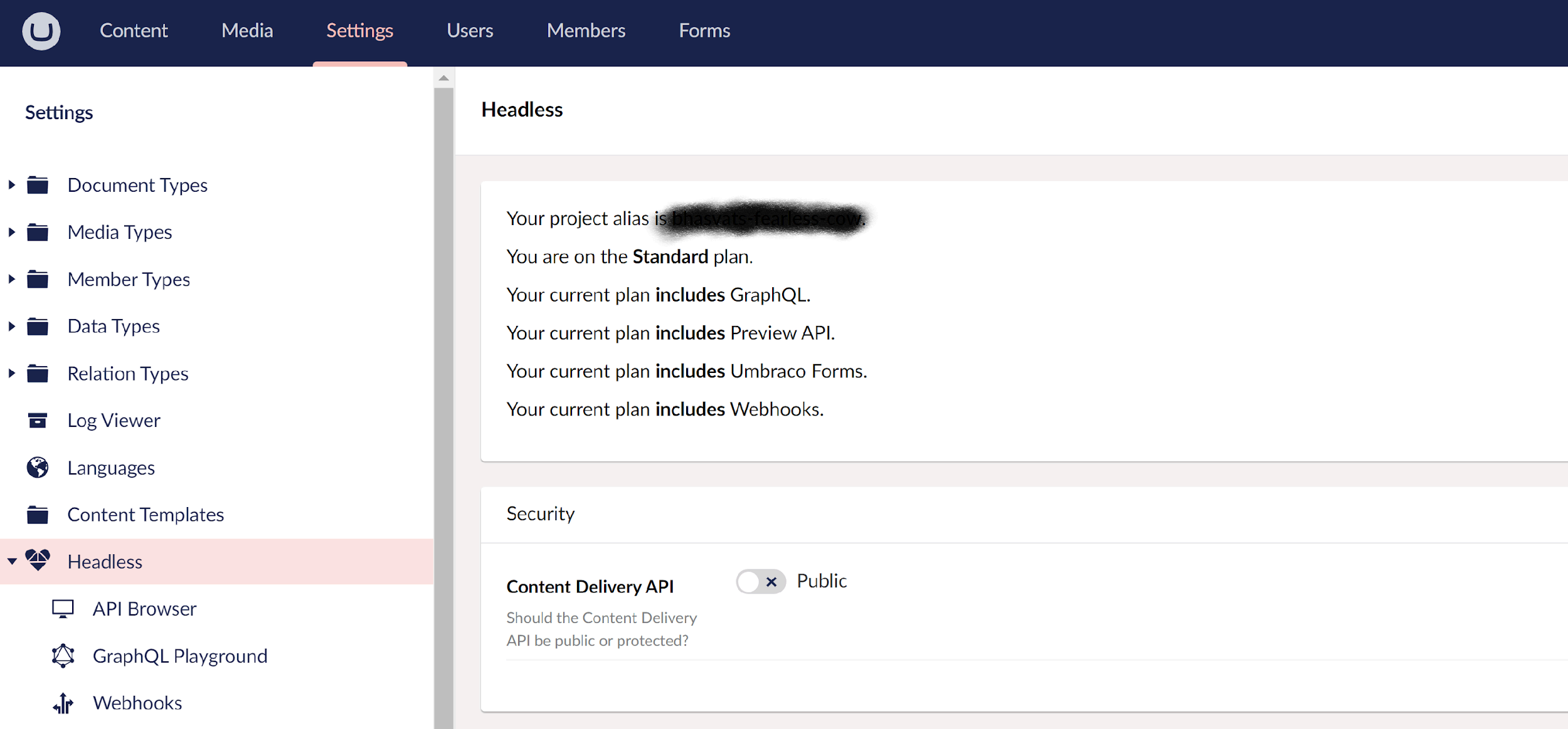
You can find your project alias in umbraco back office settings.
You can use your client to retrieve data from your umbraco application.
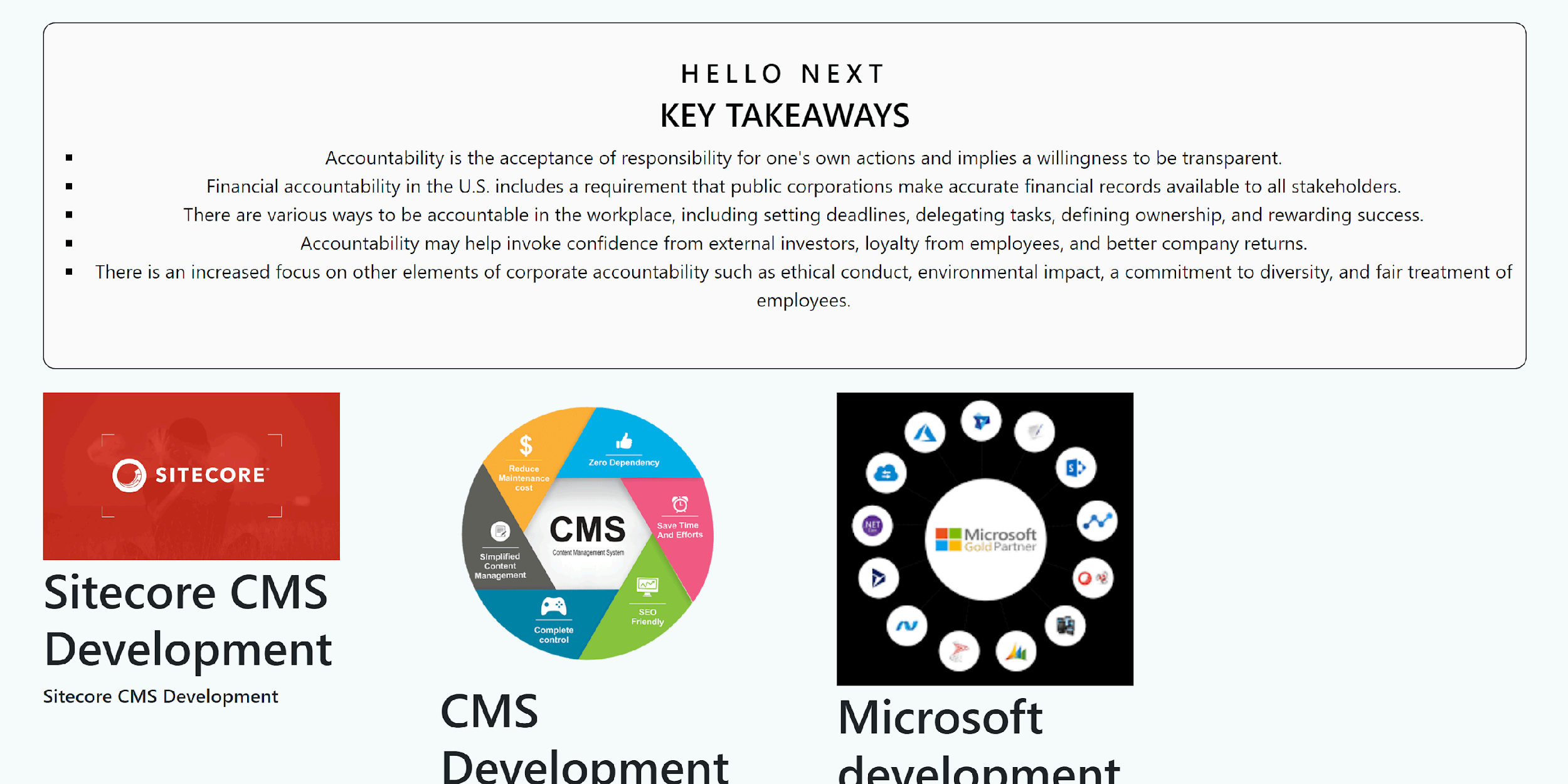
I have created one API service and retrieving data like below.
Here is the output:
Conclusion
By following these steps, you can set up a basic integration between Umbraco Headless CMS and a Next.js application. This setup allows you to use Umbraco headless with nextJs. You can expand this setup to include more complex data fetching, dynamic routing, and other advanced features as needed for your application.


